







Historical guide, published 13 March 2020. This article records our early TikTok app-campaign setup, screenshots and observations. It is an archive of that account and period, not a current Ads Manager tutorial. Do not assume that its access rules, country availability, audience data or interface settings apply to a campaign today.
Table of Contents
For current campaign planning, use our TikTok resource guide and check the controls available in your account. The useful questions remain: does the creative fit the intended audience, is the conversion event measurable, and do acquired users become valuable customers?
Prepare video ads
For these early tests, we focused on vertical video and creative that fit the short-form content people were already watching. Reusing an ad from another channel was a starting point, not evidence that it would work on TikTok. For a new test, research the audience and market, make a clear promise in the opening, and check the entire journey from the ad to the store and app. Do not use this old guide to assume that every TikTok user is a teenager or that a tailored video will always beat another format.
General Overview
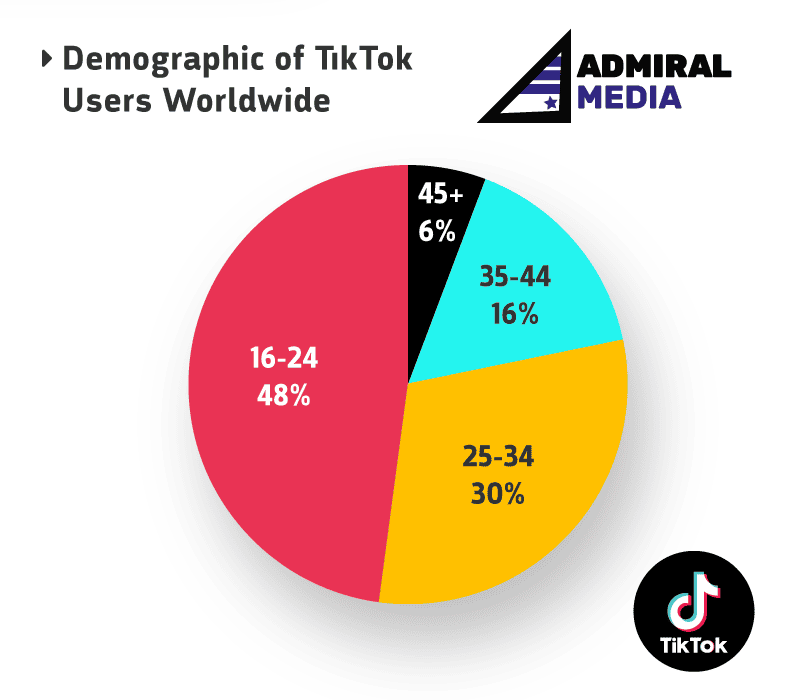
The screenshots below show the agency account we used in March 2020. At that time, our onboarding involved several approvals, and country access depended on the account and client. The restrictions we observed then, including South Africa and Germany on 13 March 2020, are historical observations rather than a list of countries available now. 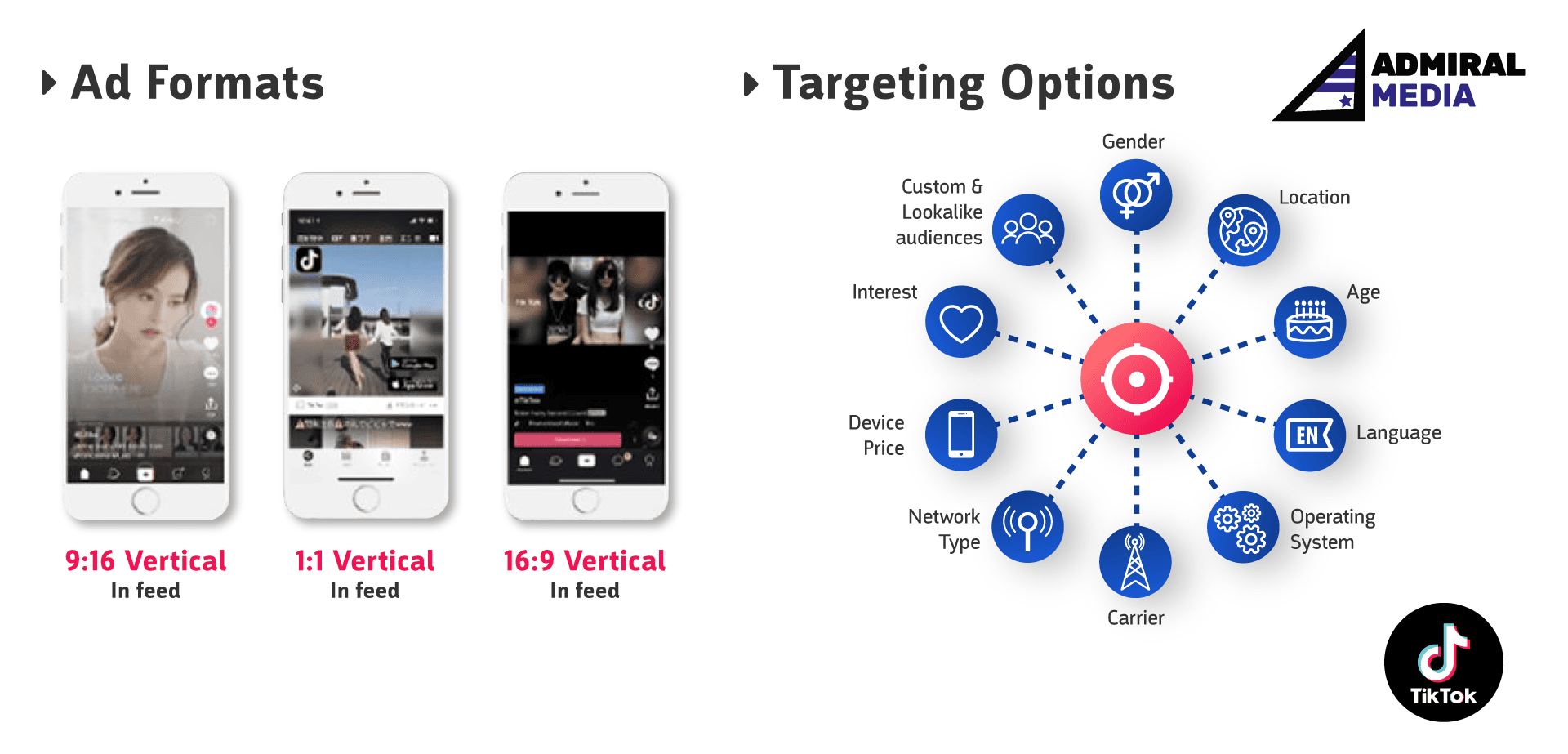 The first screenshot records the account overview from that period. The demographic chart below is also from 2020; it should not be used as a current audience-age benchmark.
Event Setup / Tracking
In the 2020 account, app tracking began in the Events library with store links, an MMP integration and tracking URLs. We also observed audience controls that needed manual maintenance. The screenshot preserves that old workflow; it is not a statement about current integration or audience-refresh behavior.
Before a new test, agree on the conversion event, time window and reporting source. Verify the available integration and actual event delivery, and check the permission and consent requirements before using an audience dataset. Do not treat an identifier upload or a saved configuration as proof that measurement is complete.
Campaign Setup
Our early campaigns used the app-install flow shown in this recorded 2020 ad-group setup. The historical video shows the campaign naming, budget, bidding and tracking controls we saw then; it should not be followed as a current interface walkthrough. In that account, we used the option labeled “Optimize Conversion at learning phase.”
For a campaign now, define the outcome and spending limit first, check the destination and eligible event, then verify the actual settings before launch. An audience-size estimate is a planning input, not proof that the campaign will reach relevant customers.
Creative Setup
The old ad-level interface let us choose images and videos, customize thumbnails and use the creative controls described in this guide. Its ten-asset limit and automated combinations describe the 2020 account, not a current specification.
When preparing a new ad, verify the permitted format and preview it on the intended device. Keep important product information clear of interface overlays and check the rights to any music or footage. Background music is a creative choice to evaluate, not a universal requirement established by this historical guide.
Comment moderation on ads
In 2020, our comment-checking process involved sending an ad preview to a personal feed. That awkward workflow is part of the historical account experience, not current moderation guidance.
For a new campaign, check the moderation controls available to the account and decide who will review and answer comments. Genuine questions or complaints can reveal a mismatch between the ad promise and the product; disabling comments by default does not resolve that mismatch.
Results
By March 2020, we had run campaigns in US, UK, AU, CA & FR and spent around 50K EUR. The screenshot below and the linked campaign article record observations from those early campaigns. Those costs and results are not a forecast for a new account, country or period. 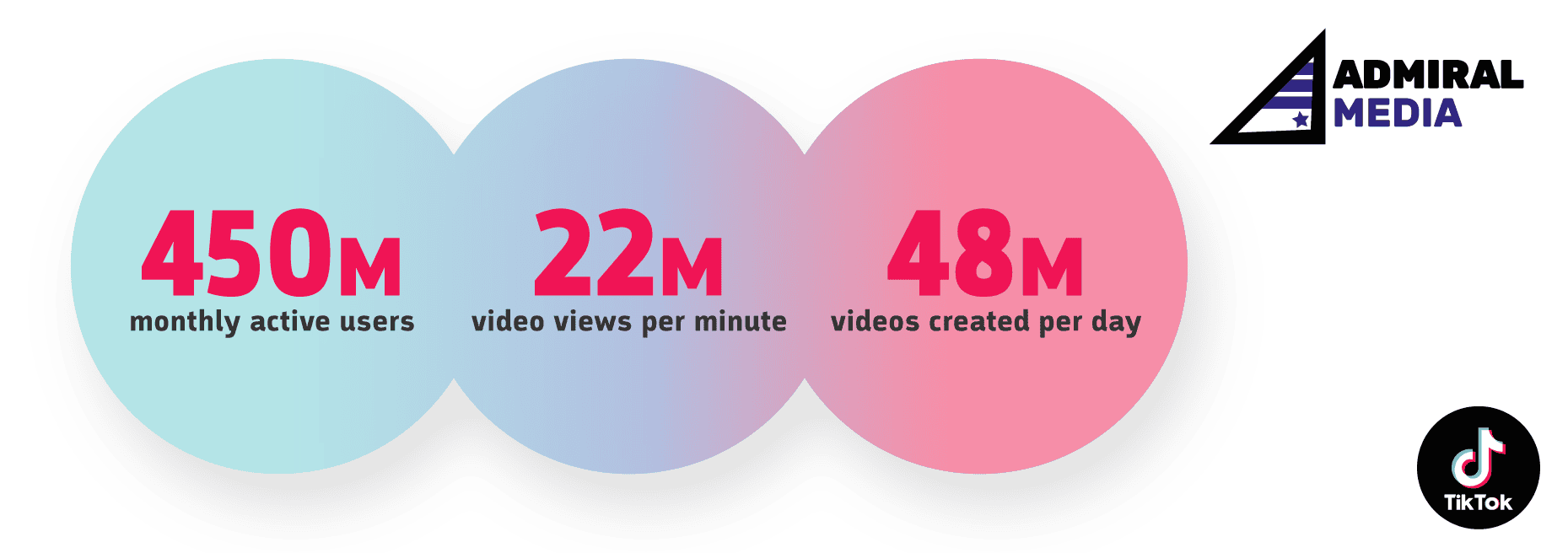 See the related historical campaign results. At the time, we reported post-install conversion rates comparable to other channels we managed. That was an early account observation, not evidence that every app should scale on TikTok.
For a new investment decision, compare cohorts over the same dates and conversion windows, include customer value as well as acquisition cost, and let the intended outcome mature before increasing spend.
Andre Kempe, Founder of Admiral Media


